
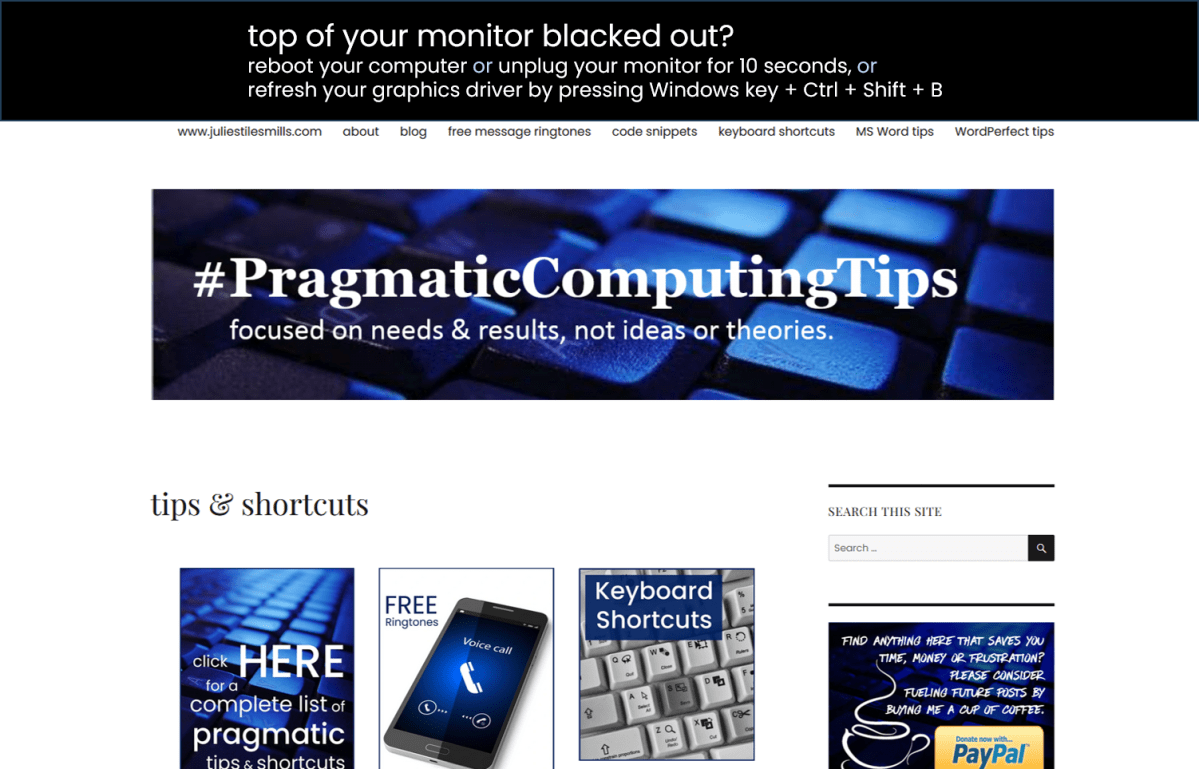
It’s usually a temporary blip (highly technical term 🤓) with the resolution and graphics card and it happens to me sometimes after I open one too many browsers, tabs and applications. but who’s counting. 😀
If you have time, reboot.
If you are in the middle of something, you can press the Windows key + Ctrl + Shift + B for a quick refresh. Your monitors will flash, turn black, and then come back on.
You could also unplug the power for about 10 to 15 seconds and then plug it back in.
If none of these three quick fixes works for you, the resolution of your monitor may be set incorrectly, you may have an outdated driver or you may need a better quality monitor.
 pragmaticcomputingtips.com