Well. That’s annoying.
It started back in late 2025 and I JUST got around to figuring out how to make Windows 11 show me a preview of a document I’ve edited.
To clarify, these are files originally downloaded from an internet source I use regularly and I can understand how this security “feature” could be helpful for documents I’ve downloaded from the interwebs. But I don’t understand why I’m not allowed to preview them after I’ve edited and saved them again.
“The file you are attempting to preview could harm your computer. If you trust the file and the source you received it from, open it to view its contents.”
Dear computer…you can trust me. please show me my preview.
Turns out there are a few ways to get your preview back, depending on your goals.
One goal is to remove the security block for existing files within a folder. The problem is that when you download new files into that folder, they just get blocked again.
Again. That’s annoying.
I want Windows 11 to display a preview of any file in my folder all the time, regardless of new downloads so I don’t need to repeat the fix every time a new file lands into the folder.
Here are the steps I used to get my preview back permanently for a particular folder:
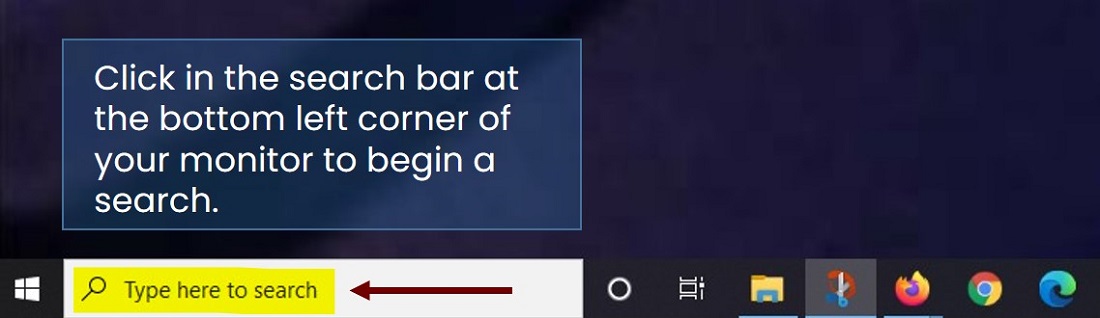
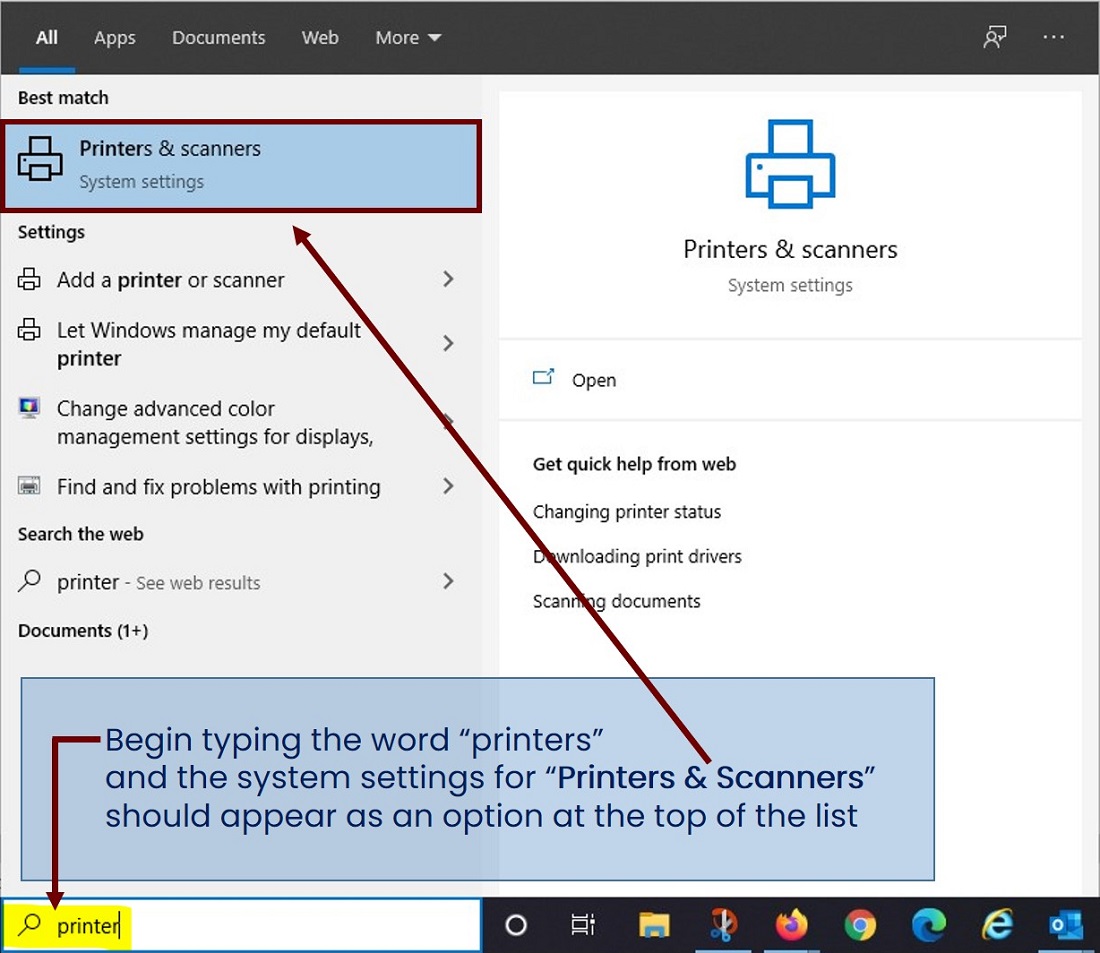
- Click Start, type Task Scheduler, and open it.
- Click Create Basic Task on the right side.
- Name it something like
Auto-Unblock Folderand click Next. - Set the Trigger to Daily or When I log on.
- For the Action, select Start a program.
- In the Program/script box, type:
powershell.exe - In the Add arguments box, paste the following (making sure to replace the path with your actual folder path inside the quotes):
-WindowStyle Hidden -Command "Get-ChildItem -Path 'C:\Your\Specific\Folder' -File -Recurse | Unblock-File"
Make sure you change ‘C:\Your\Specific\Folder’ to your specific folder.
- Click Finish. This script will run seamlessly in the background and clean up the block tags for you.
There is another way to disable this security feature system-wide, but you’ll have to find those instructions somewhere else. I don’t want to be responsible for anyone previewing a malicious file they’ve downloaded.